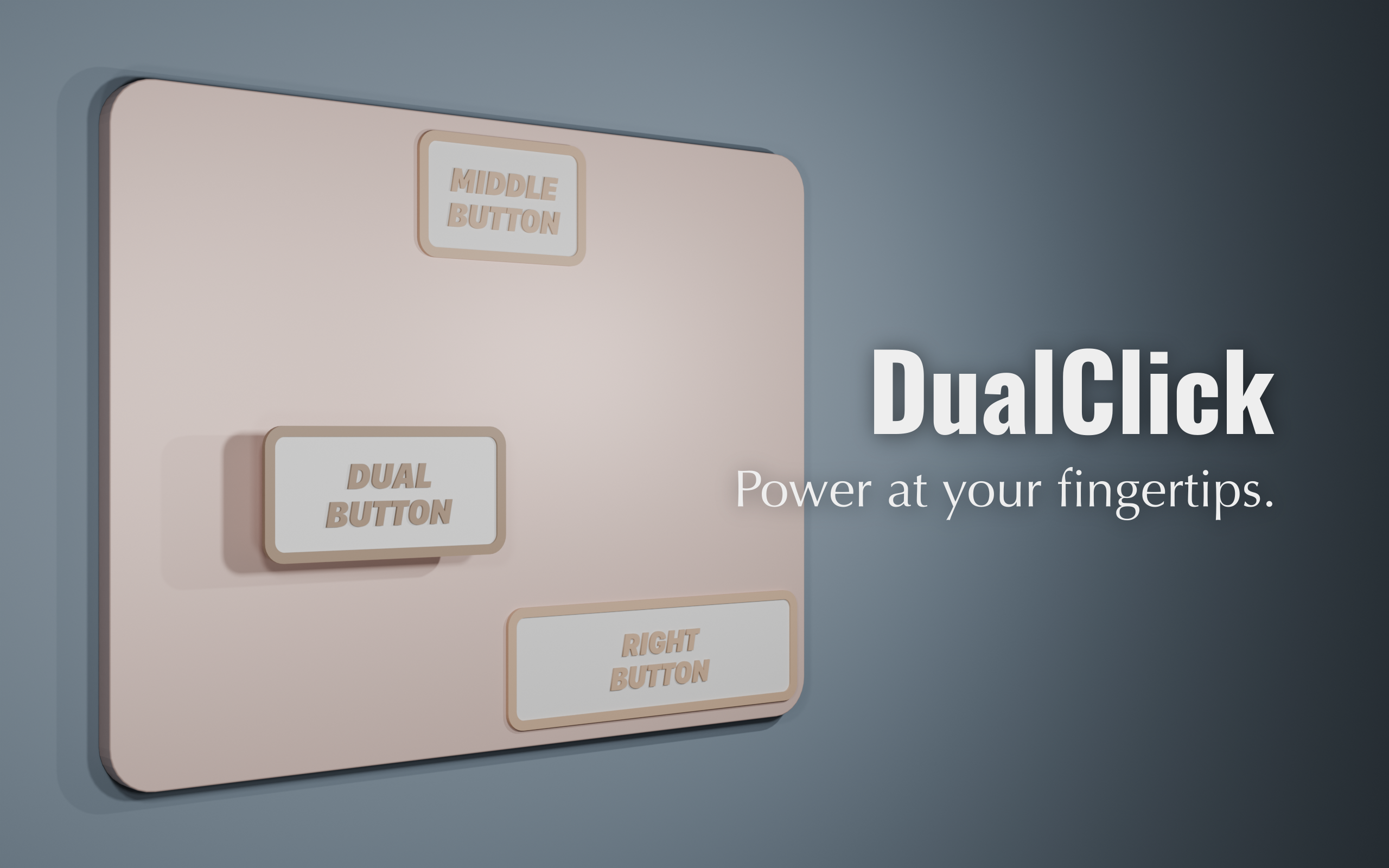
DualClick is a utility that adds functions such as simultaneous left and right presses and middle drag to your trackpad.
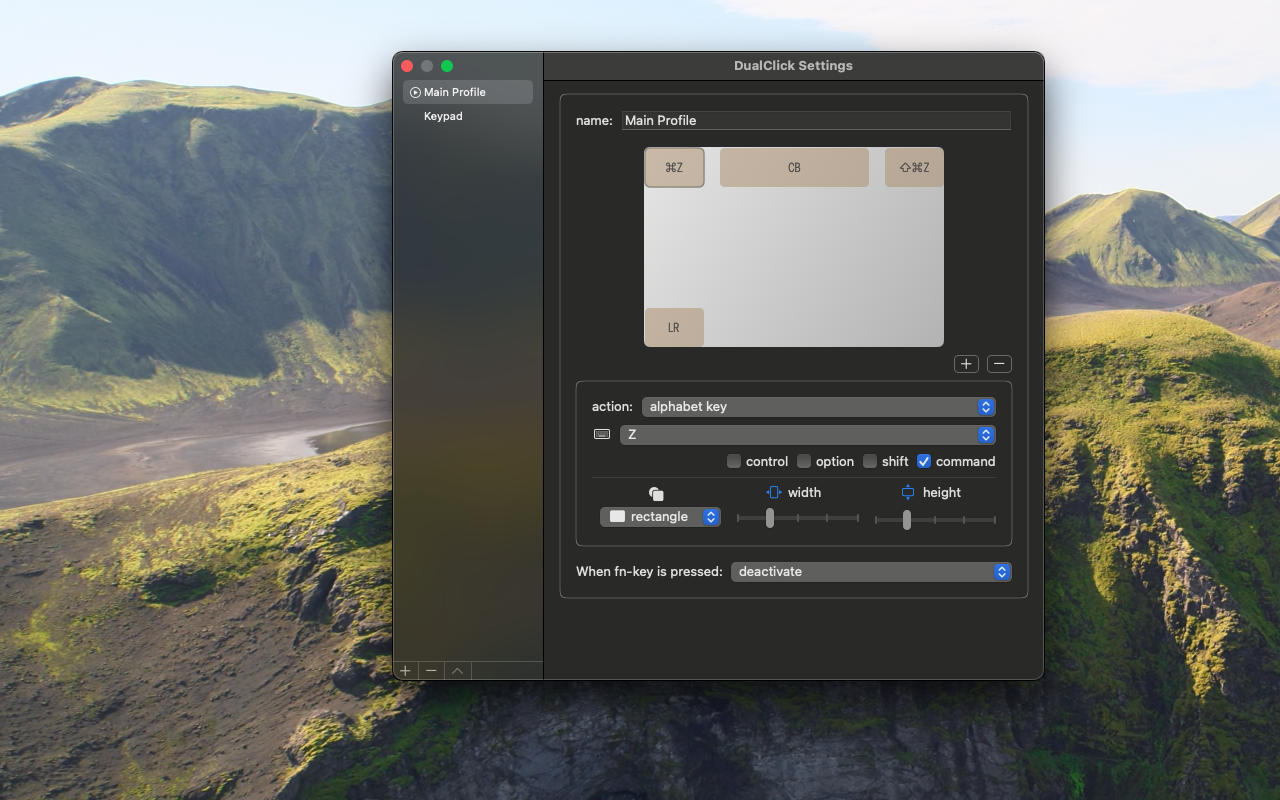
Assign your favorite function anywhere on the trackpad and have it execute when you click that location.

(DualClick Lite)
Functions that can be performed
- Press left and right buttons simultaneously
- Right button press or drag
- Middle button press or drag
- Pressing mouse buttons 4 to 32
- Pressing alphanumeric keys, function keys, etc.
Other features
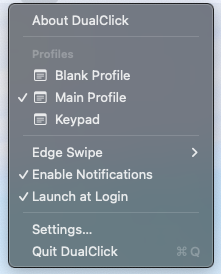
Edge swipe
Switch profiles by swiping the left edge (right edge) of the trackpad from top to bottom or from bottom to top.
Notification
You will receive a notification when your profile changes.
Launch at login
It starts automatically when you log in.
Turn on/off functions using fn key
You can enable it only when the fn key is pressed, or only when the fn key is not pressed.
Permissions required to run the app
Accessibility permissions are required to run the app. Please allow DualClick on the screen below.
System Preferences > Security & Privacy > Accessibility
How to deal with problems
Assigning many functions might make left-clicking difficult. You can bypass all assignments and perform the action by holding down the fn key while clicking.
On rare occasions, assigned functions may stop working when macOS wakes from sleep. In such cases, please restart the application.